Your files, in your own storage.
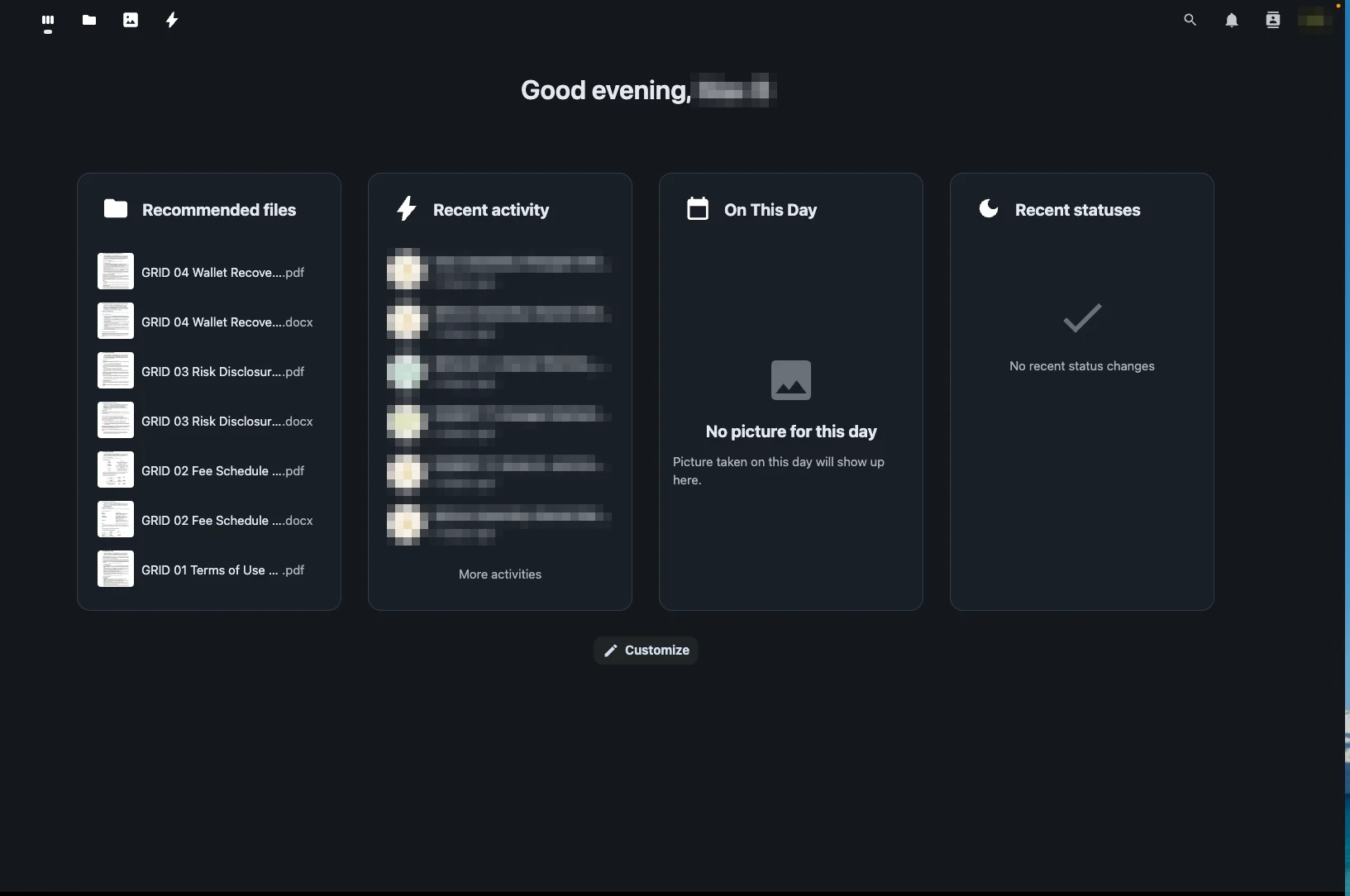
File storage for your workspace, in the same place as your conversations and your calendar.
The problem
Your files are spread across cloud drives you rent, each with its own login and its own copy of your data.
What it does
One place
Your workspace's files live next to the chats and meetings they belong to.
Your storage
Files are kept in your workspace's own storage, not scattered across someone else's apps.
How it works
Upload
Put your files in your workspace's storage.
Keep them close
They sit next to the conversations and meetings they belong to.
Questions? Here are the answers.
Didn't find yours? Email us at .
File storage for your workspace, in the same place as everything else. It is part of The GRID.
Your files are spread across cloud drives you rent, each with its own login and its own copy of your data.
1. Upload: Put your files in your workspace's storage. 2. Keep them close: They sit next to the conversations and meetings they belong to.
One place: Your workspace's files live next to the chats and meetings they belong to. Your storage: Files are kept in your workspace's own storage, not scattered across someone else's apps.
Own it. Stop renting it.
Drive is part of The GRID: chats, mail, calendar, files, customers and money in one place you own.